
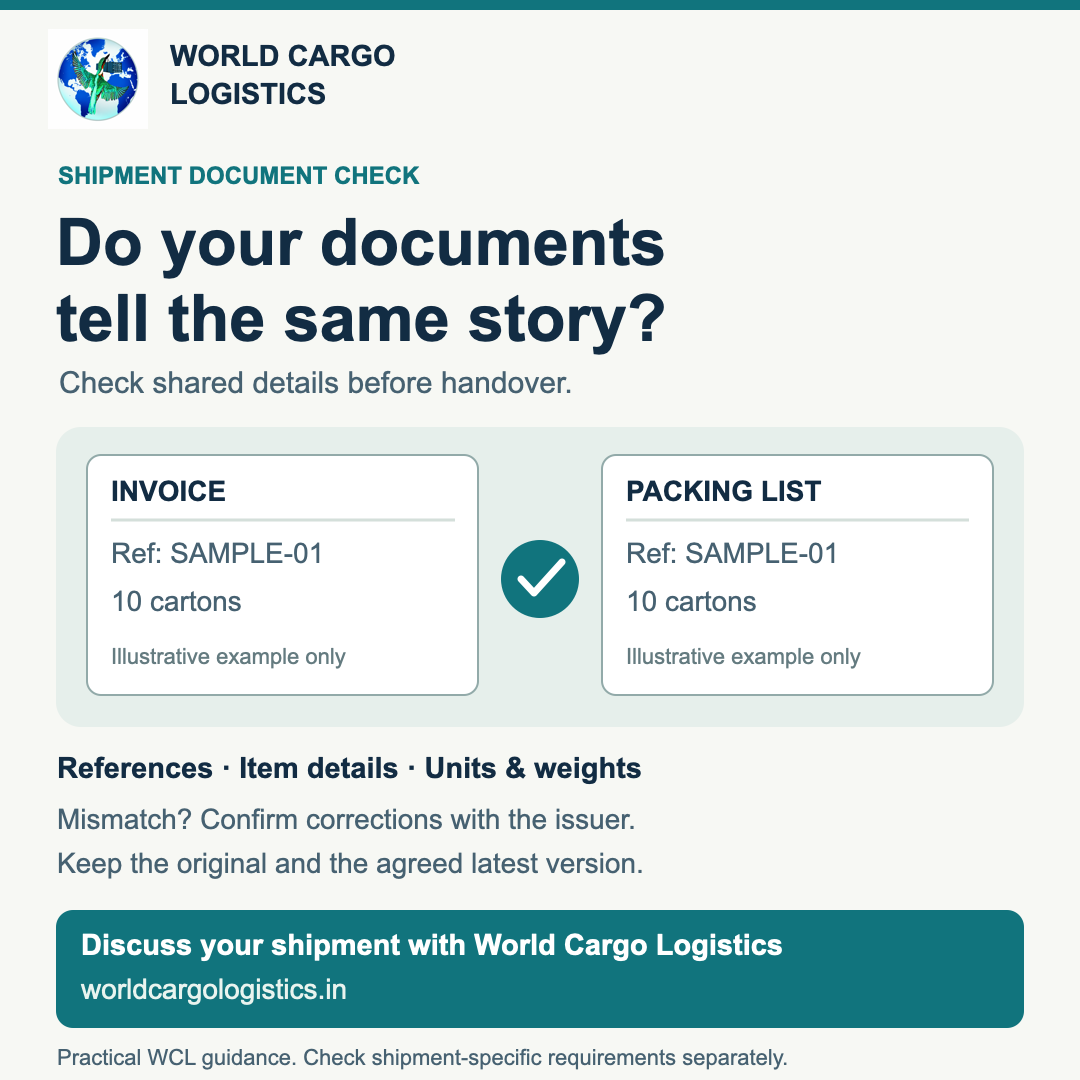
Watch the 42-second checklist
This silent video uses English captions and illustrative examples. It is practical guidance, not proof that any document or filing has been accepted.
Download or open the captioned video.
Why a "same story" read helps
A shipment usually travels with several documents written by different people, often from different templates. Each describes the same cargo, so small differences creep in: a digit typed twice, a product named two ways, a corrected file sent after the first.
Someone downstream then has to stop and ask which version is right. A calm read before handover (passing your papers to the forwarding or customs clearance team) lets you raise questions while the issuer, meaning whoever created the document, is still easy to reach.
Terms, explained once
- Commercial invoice: the seller's bill. It names the parties and describes the goods, quantity and value.
- Packing list: what is physically in the shipment: which package holds what, how many packages, and the weights.
- Net weight: the goods alone. Gross weight: the goods plus packing, such as cartons and pallets.
- Shipment reference: a number that ties the papers together, such as an invoice, purchase order or booking number.
What the rules say, and what is our own view
Chapter 2 of India's Foreign Trade Policy (paragraph 2.06) sets out document categories for export and import, including the commercial invoice and packing list. Specific goods and cases may require additional documents. Use the applicable rules and your clearance team's advice for your shipment; this article is not a complete legal checklist.
The ICEGATE official FAQ identifies PDF as the supported format for e-SANCHIT documents. Our practical point is to keep documents complete and readable. A clean file does not show that any upload or filing has been accepted.
Everything below is WCL practical guidance, not a legal checklist or a prediction of how any authority will treat your papers. Confirm specifics for your goods and route with your clearance professional.
Six checks
- Parties and reference. Buyer and seller names should read the same on every document, and the shipment reference should match exactly. Watch for swapped digits, such as 1042 and 1024.
- Item descriptions. A reader should recognise one product across all papers. "Cotton knit tops" on one and "T-shirts" on another may be the same goods, but only the issuer can say so.
- Counts and units. Cartons, pallets and pieces should add up line by line and to the totals. Put a unit beside every number, such as pieces, sets or kilograms. A bare "500" invites guessing.
- Net and gross weight. Show both, labelled, never merged into one "weight". Net should not exceed gross, and line weights should add up to the totals.
- Gaps and doubts. Mark any blank, blurry or uncertain field "to confirm" on your own checking note. Do not guess and fill it in.
- Version. Know which file is the latest, and say so in writing.
A synthetic example
This example is invented, not a real shipment. Invoice INV-1042 from "Example Supplier A" lists "cotton knit tops, 500 pieces". The packing list quotes INV-1024, lists "T-shirts, 50 cartons" and shows one figure, "620 kg", with no label.
Three questions follow. Is 1024 a typo or another shipment? Are knit tops and T-shirts the same goods? Is 620 kg net or gross? The person checking cannot answer these alone. The issuer can.
If something does not match
Never edit an issuer's original, and never overtype a number in a PDF to "fix" it. Instead:
- Keep the file exactly as received.
- Write to the issuer, naming the document, the field and what differs.
- Ask the issuer to confirm the correct detail and, if needed, reissue the document.
- Save the reissued file as a new version, with the version in the file name, for example INV-1042_PackingList_v2.
- Tell the team which file is current and which is superseded, meaning replaced.
A correction that lives only in one person's copy is not a correction.
Compact checklist
- [ ] Names and shipment reference match everywhere
- [ ] Each product is described recognisably across papers
- [ ] Counts and totals add up, with a unit on every number
- [ ] Net and gross weight both shown, labelled and consistent
- [ ] Doubtful fields marked "to confirm", not guessed
- [ ] Issuer confirmed any correction
- [ ] One clearly named latest version; older ones marked superseded
Talk to World Cargo Logistics
Planning a shipment? Start a request on our quote page with your latest document versions ready. The team at World Cargo Logistics (worldcargologistics.in) can talk through your handover.
Discuss your shipment with WCL →